
- A burning smell from the engine compartment
- Intermittent electrical faults or difficulty starting
SeverityHighDrive?Depends on the exact symptoms
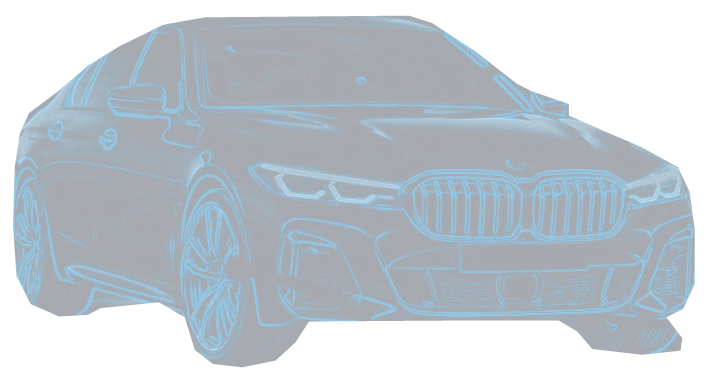
Scrolling plays a short illustrative scan of the car, highlighting powertrain, electrical, braking and emissions regions. Highlighted systems are not a diagnosis.
Enter a car, OBD code, symptom, warning light, or used-car concern — get urgency, likely causes, and what to check first.
Jump into popular and image-backed model hubs after using the finder above.
Pick the car, code, symptom, warning light, or buying decision that brought you here.
The diagnostic run
Every CarFaultIQ page follows the same path: spot the symptom, decode the OBD code, weigh the risk, then take the right action.
Real published page counts from this site. No owner-report totals, no live ranking claims.
Published fault records with vehicle, year-range, severity, and drive guidance where the page has it.
Use CarFaultIQ as the pre-purchase triage layer: find the model, check known problem years, scan for codes, and verify the boring paperwork before the test drive excitement takes over.
Sorted by published fault records attached to the model. This is coverage depth, not a worst-car ranking.
Latest published pages by modified date. Not news, just fresh local coverage.